Begin without the scramble
Keep the right windows, folders, files, and links together so starting again feels settled instead of scattered.

Quiet by design
ZenFlow is about the quiet relief of not rebuilding your desk every time you sit down. The right pieces are already together, so your attention can arrive before the friction does.
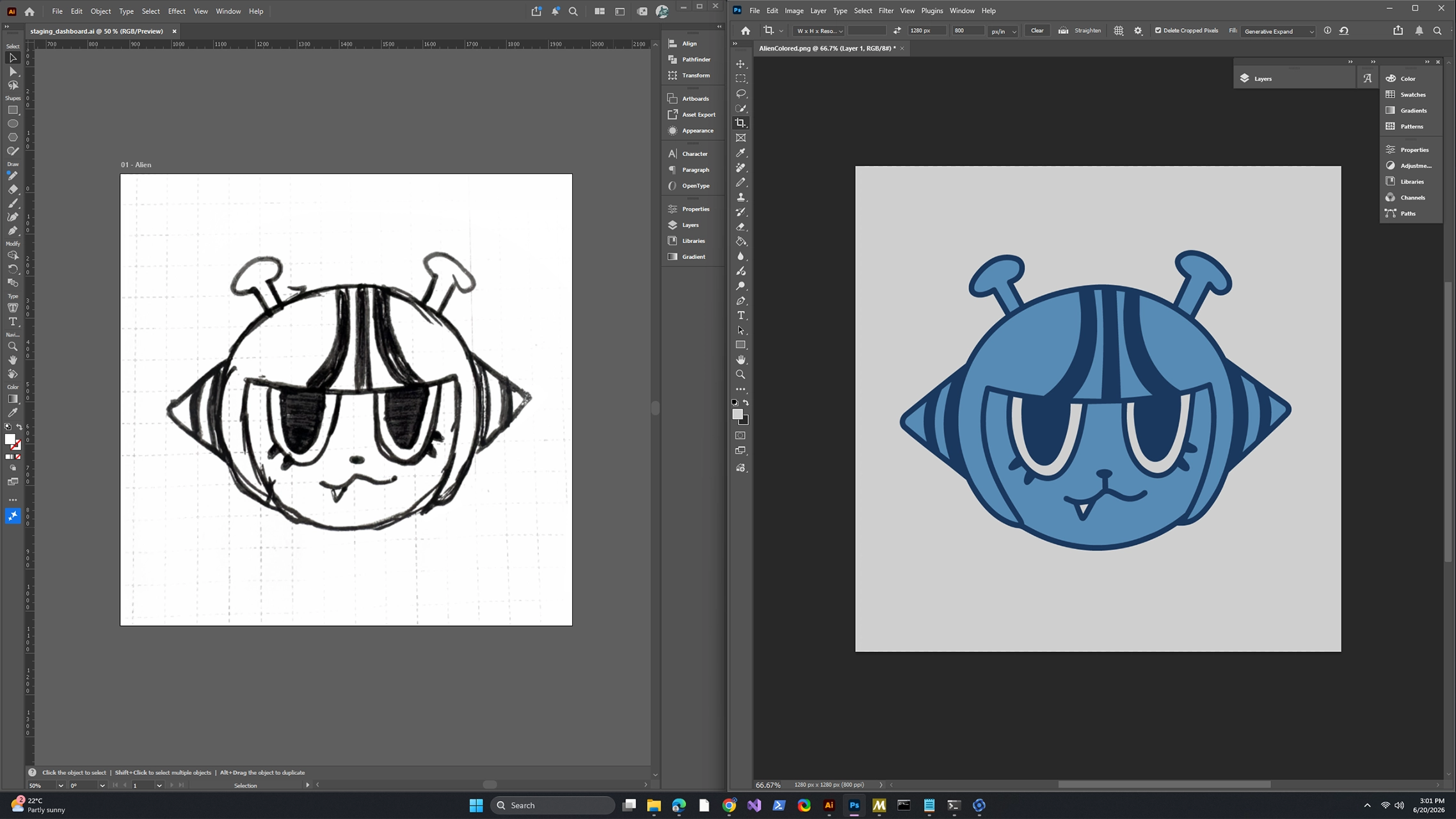
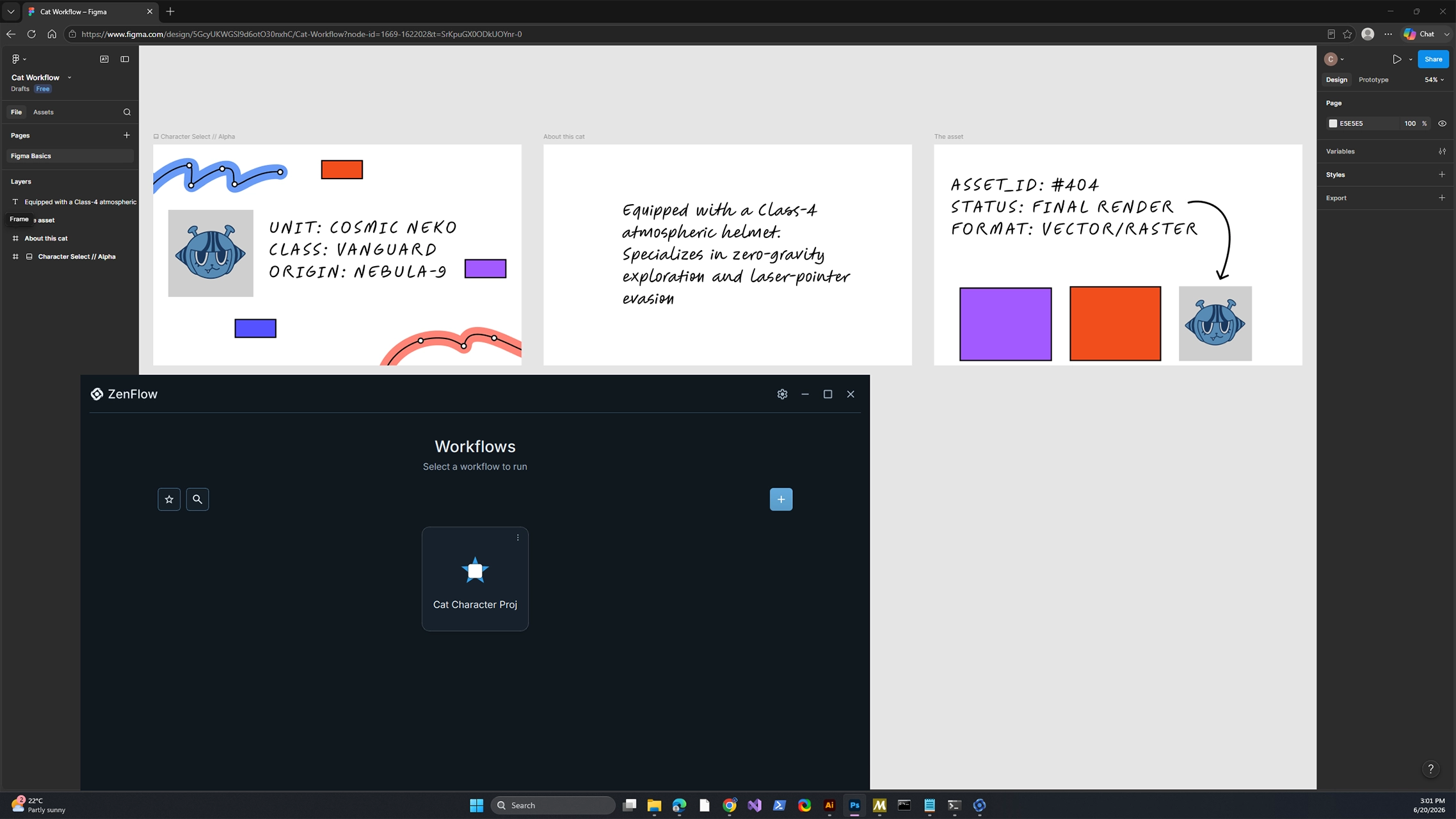
Keep the right windows, folders, files, and links together so starting again feels settled instead of scattered.
Come back to the same work surface without digging through recent files, pinned apps, and half-remembered browser tabs.
Move from client work to writing, development, planning, or admin without carrying yesterday's clutter into the next thing.
How it feels
The hardest part is often the threshold: remembering what was open, where the notes lived, which tabs mattered, and what state you left things in. ZenFlow makes that threshold feel lighter.
Gather the pieces that make a project feel ready.
Give that calm setup a name you recognize later.
Open it again when you want a clean place to begin.
What it protects
ZenFlow does not ask you to move your work into a new system. It gives the tools you already trust a calmer way to gather, so the project feels contained before it asks for your focus.
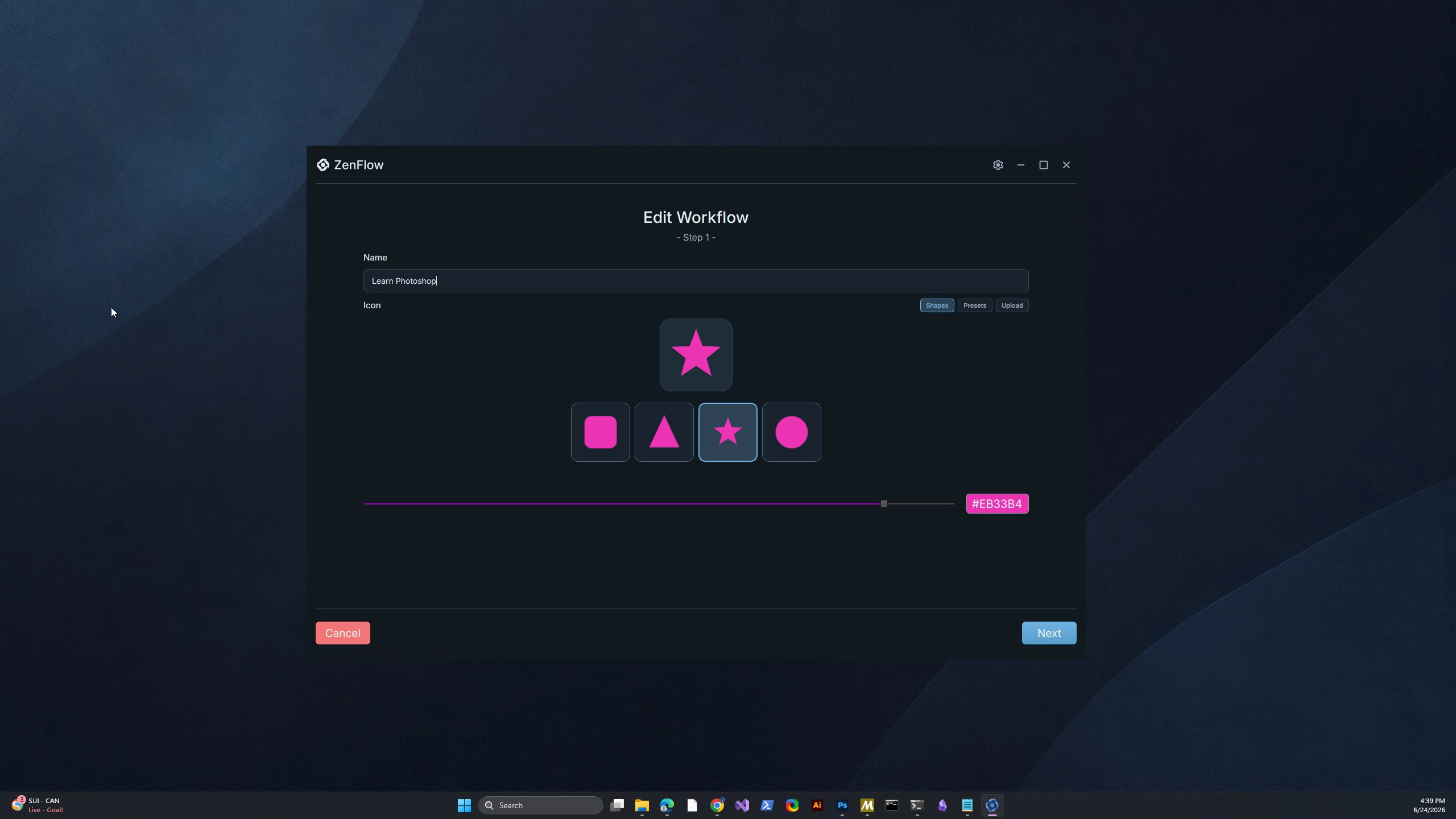
A named place for the work you want to come back to
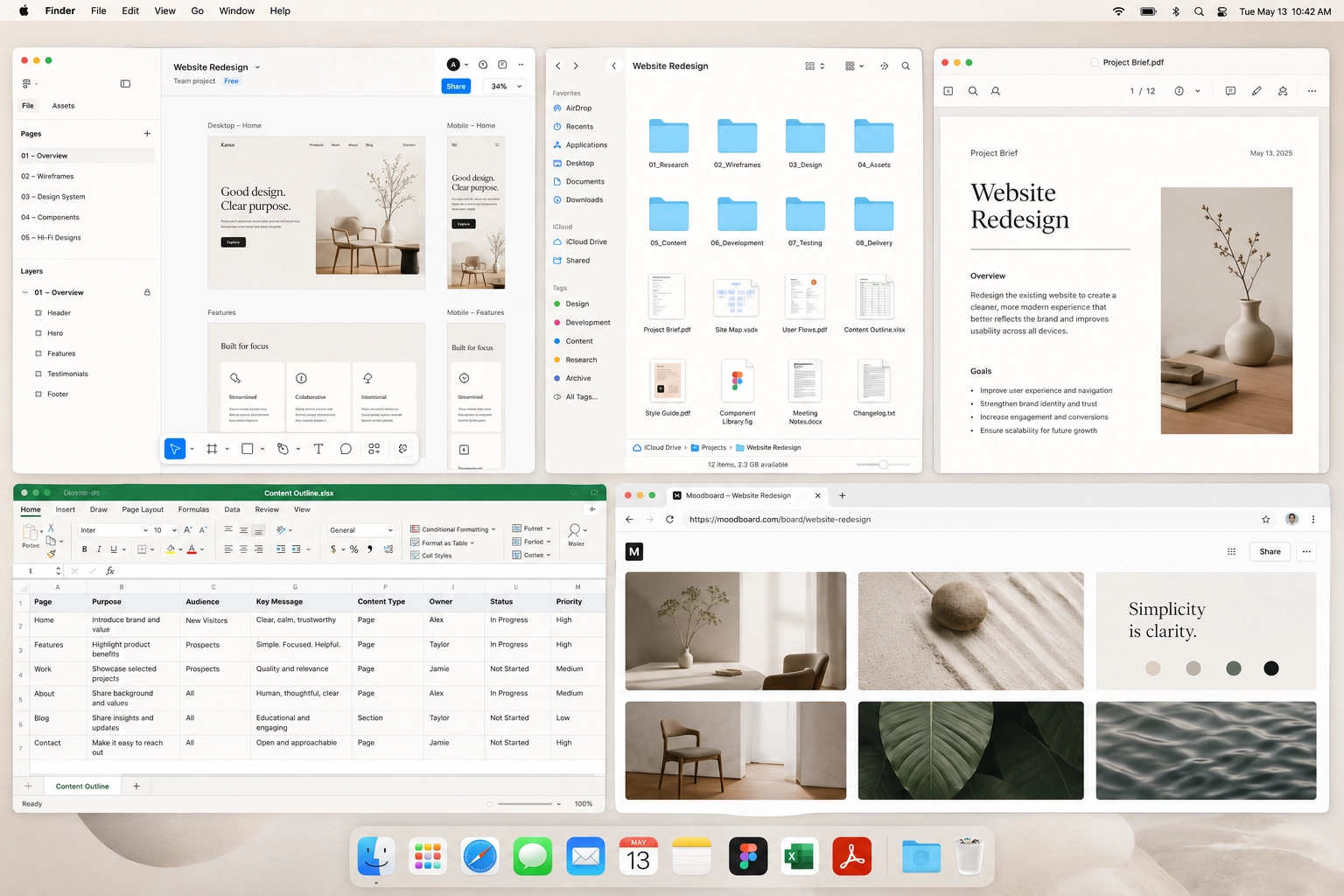
A calmer starting point for projects that usually sprawl
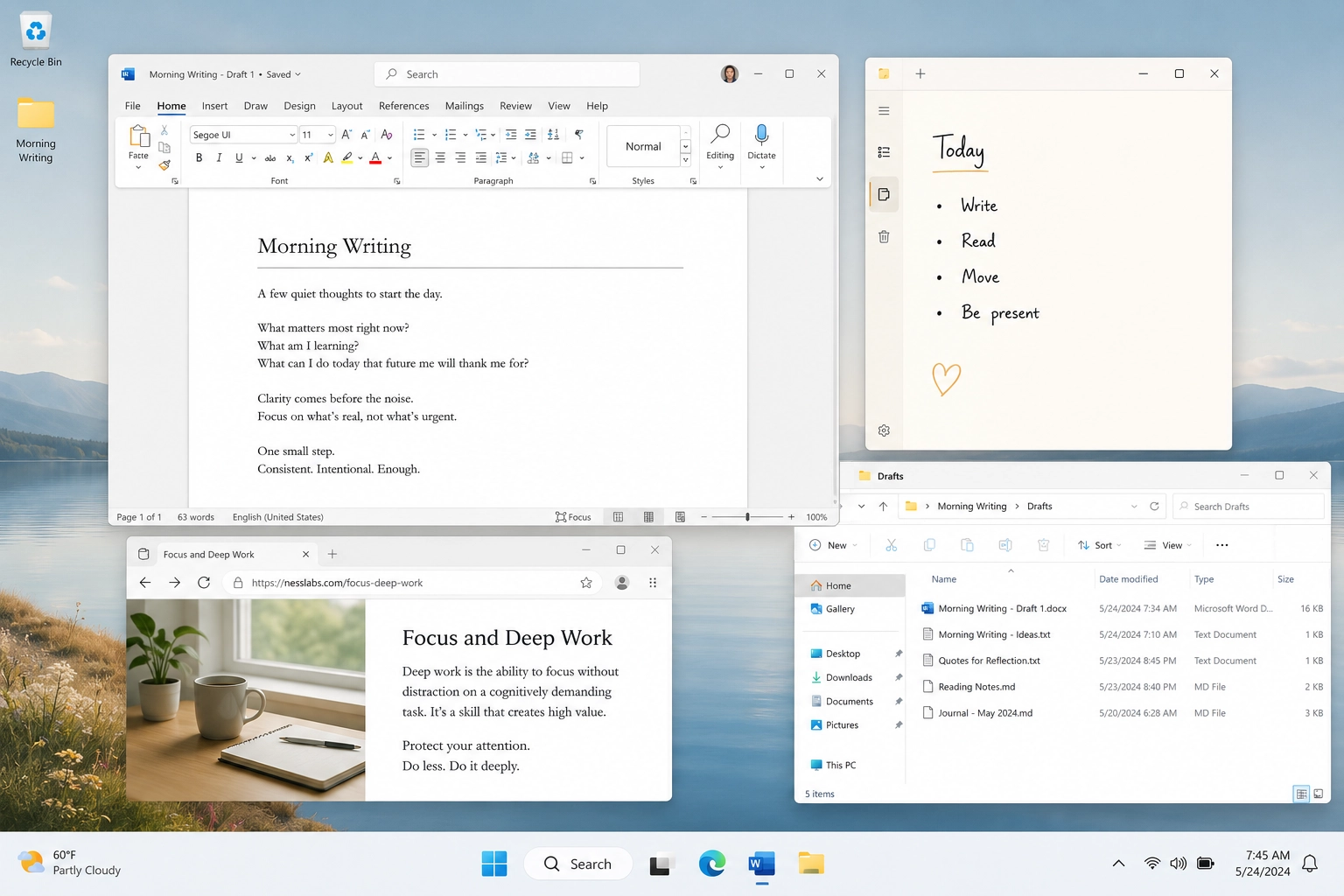
Light enough for personal routines before process gets involved
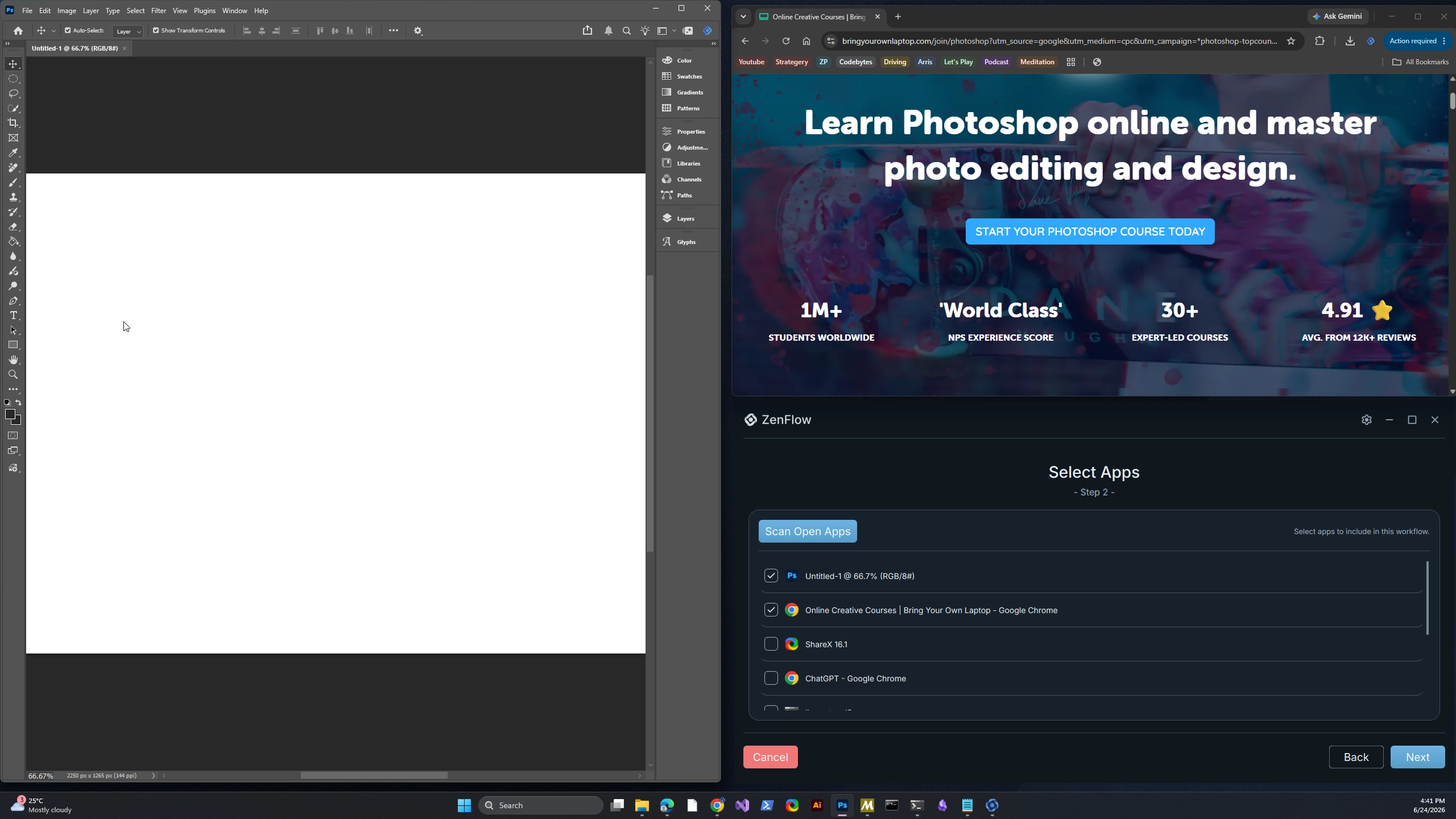
Built around your real desktop context, not another task list
Where it helps
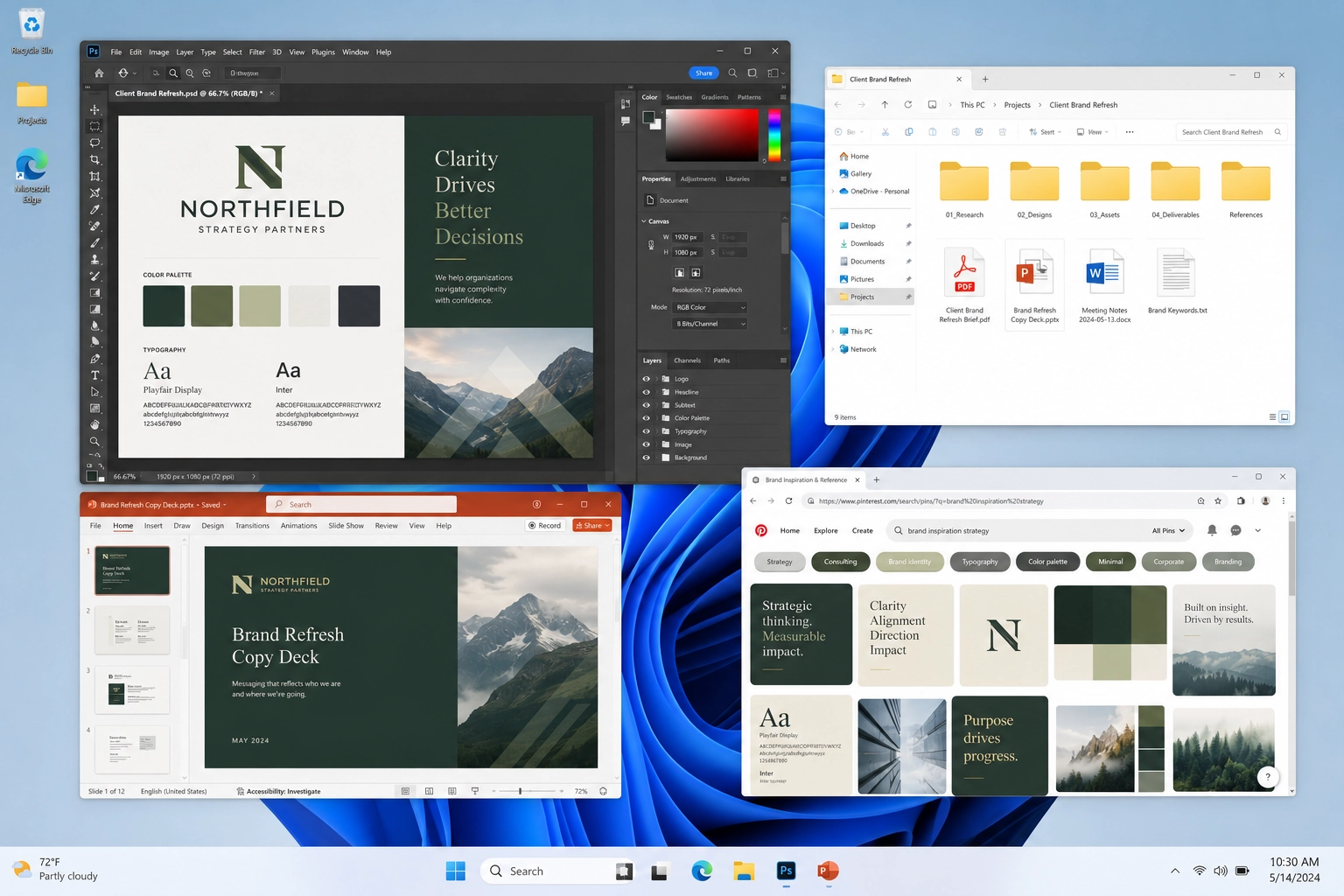
Step into one client's world without pulling the last client's notes, tabs, and decisions along with it.
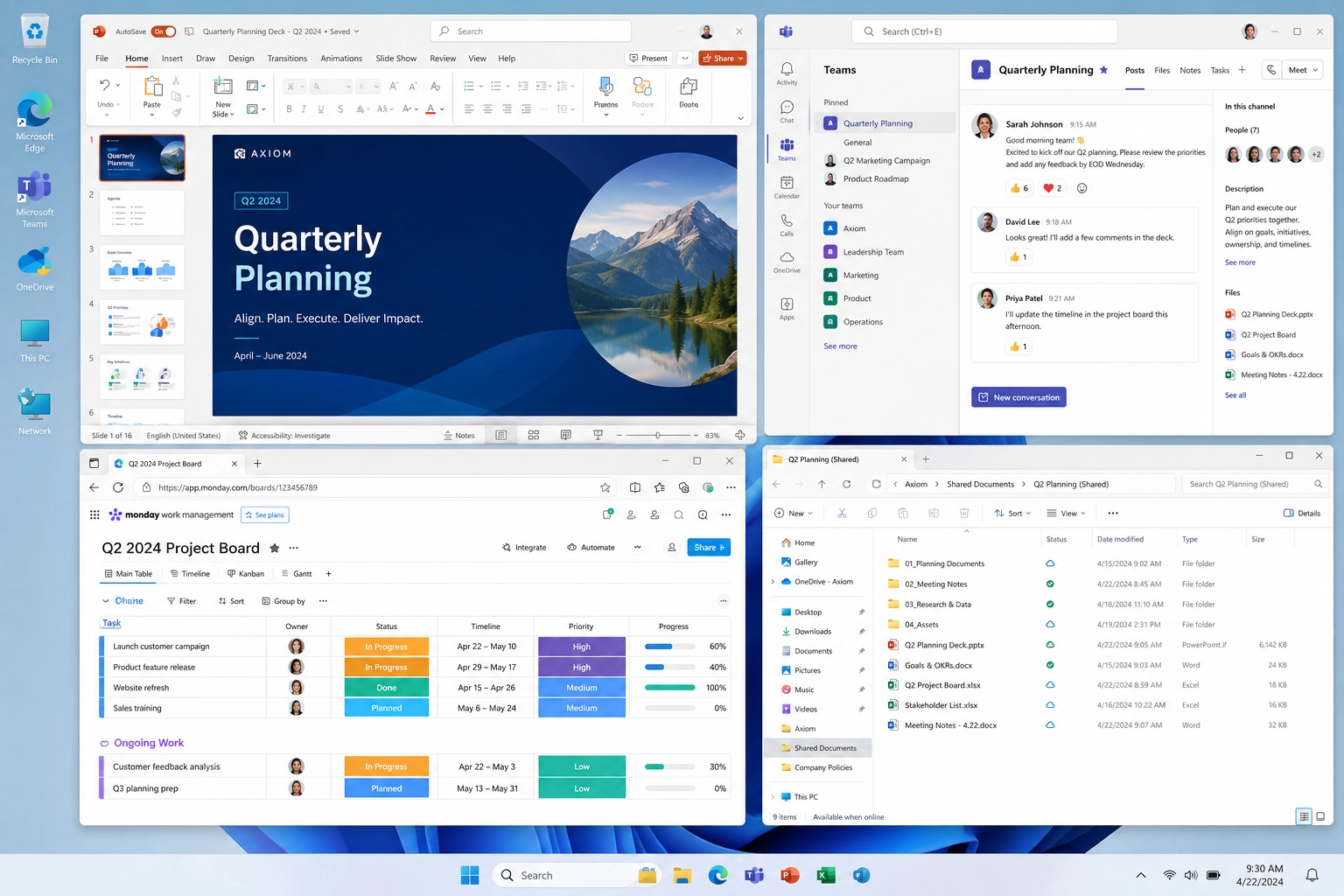
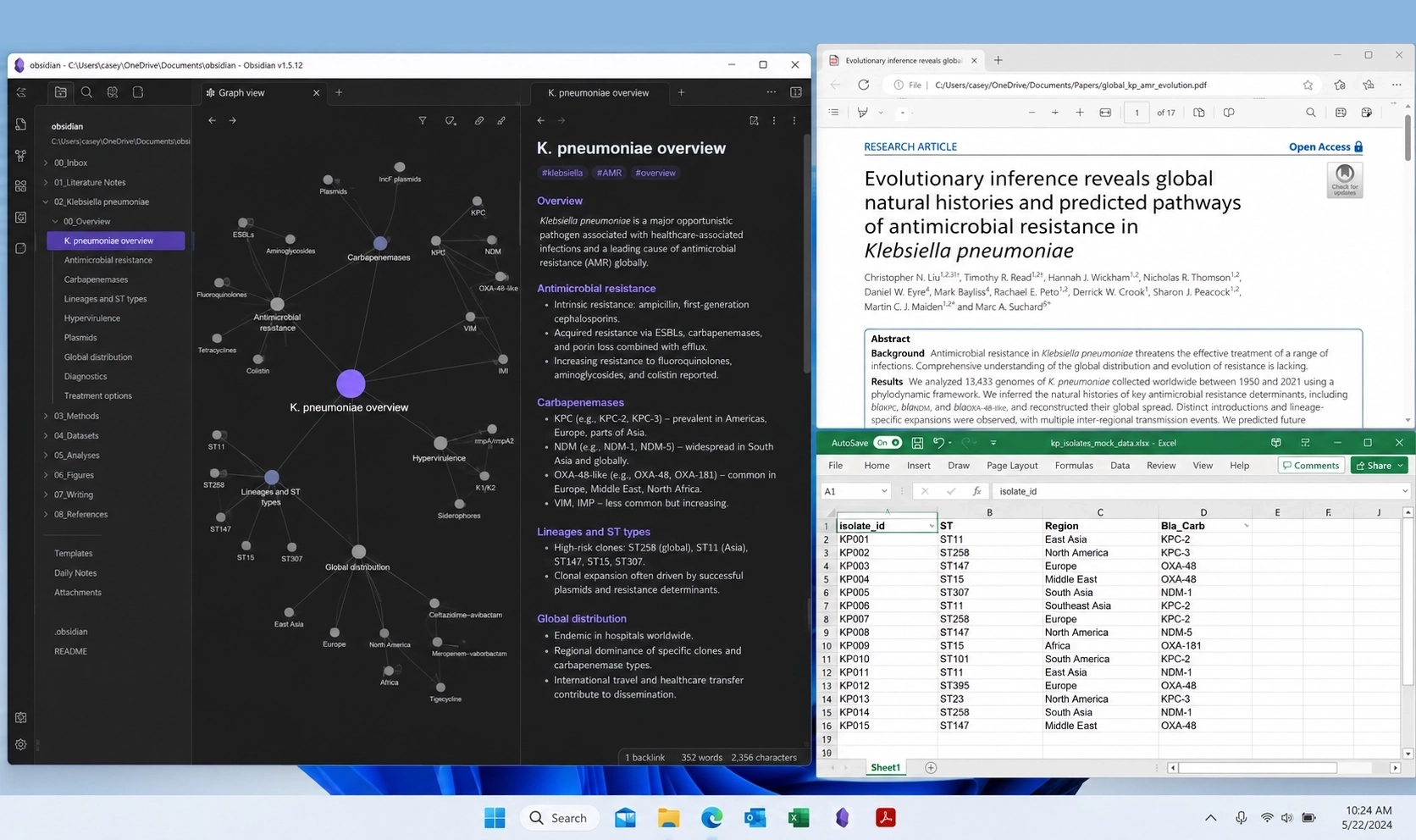
Keep the deck, notes, spreadsheets, shared docs, and reference tabs together so a project does not feel scattered across the workday.
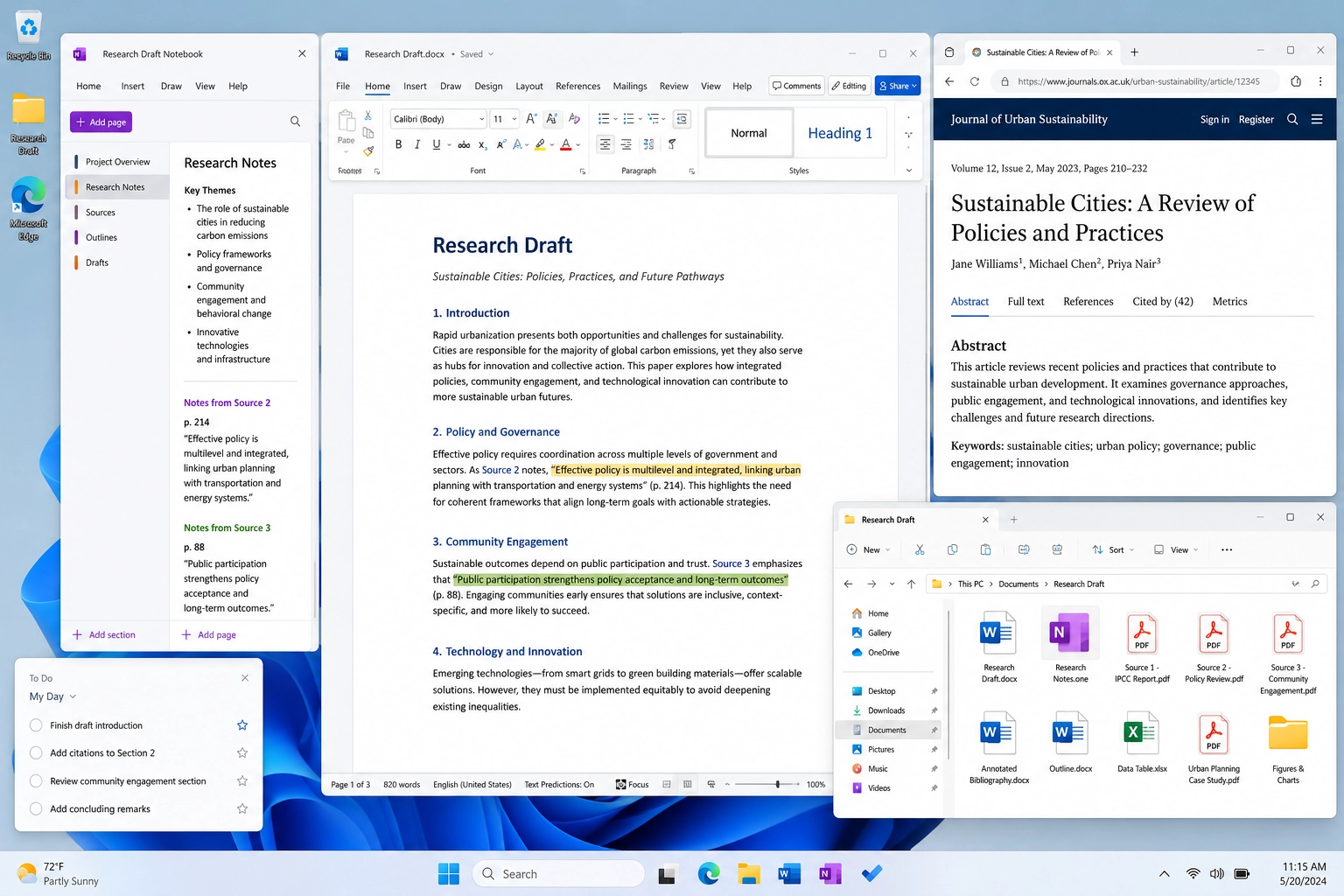
Re-enter the draft, outline, sources, and supporting apps without first reconstructing the whole desk by memory.
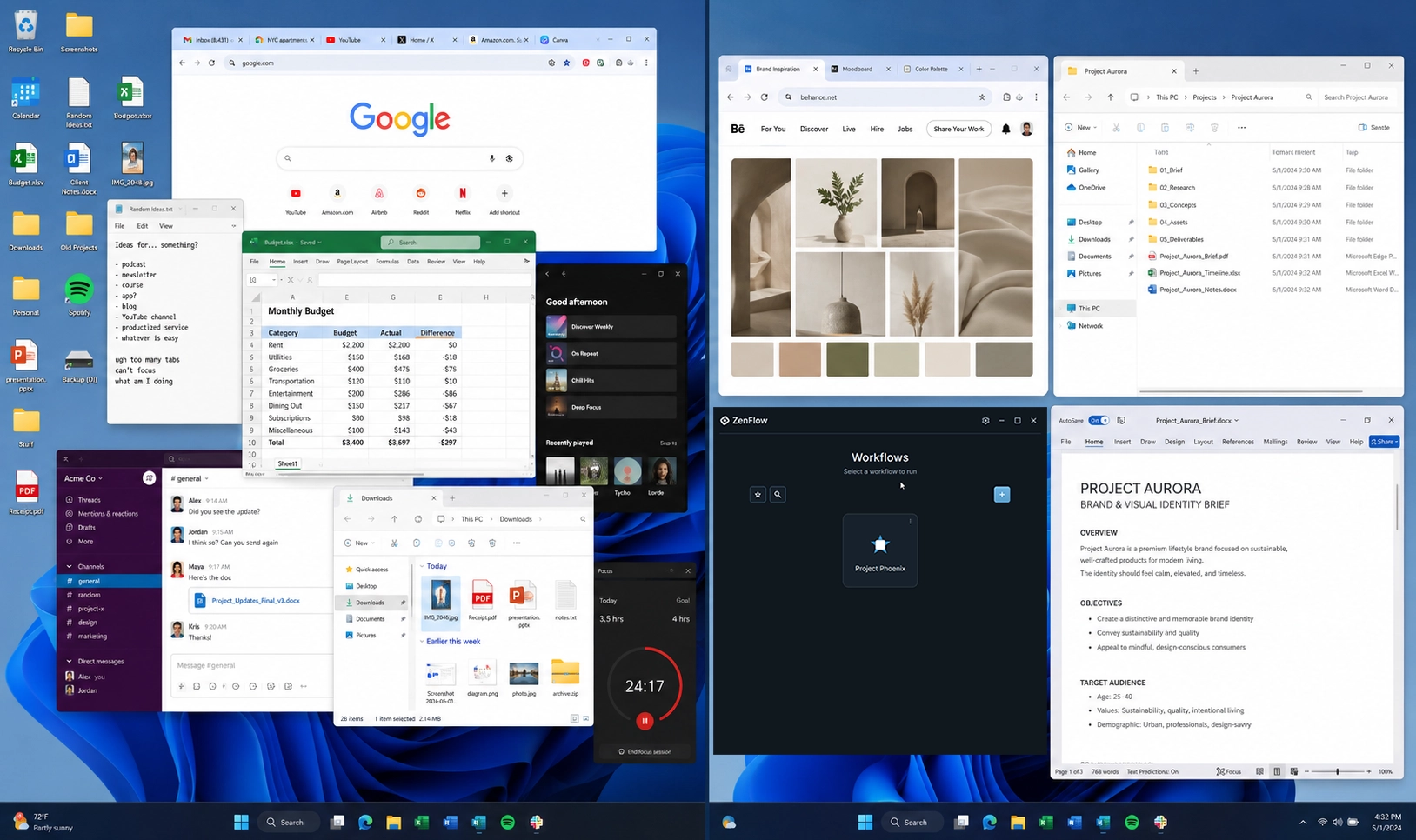
The outcome
The promise is simple: fewer loose ends before you begin. A project can feel familiar again quickly, with the mess quieted down and the next step easier to see.
Open beta recruitment
The beta is for people who feel the cost of context switching every day and want their desktop to meet them with less noise.