Open beta preview
Preview ZenFlow in the open beta
Some work stays open because you are afraid to lose the thread. The browser tabs, the project folder, the notes, the document, the dashboard — that app you need later — they all stay there, waiting in the background, adding weight to your day.
ZenFlow is opening beta access for people who want a calmer way to return to work. Save the pieces that belong together, open them when the workflow begins, and stop the workflow when you are done.
Real Tasks
A beta designed for your workflow
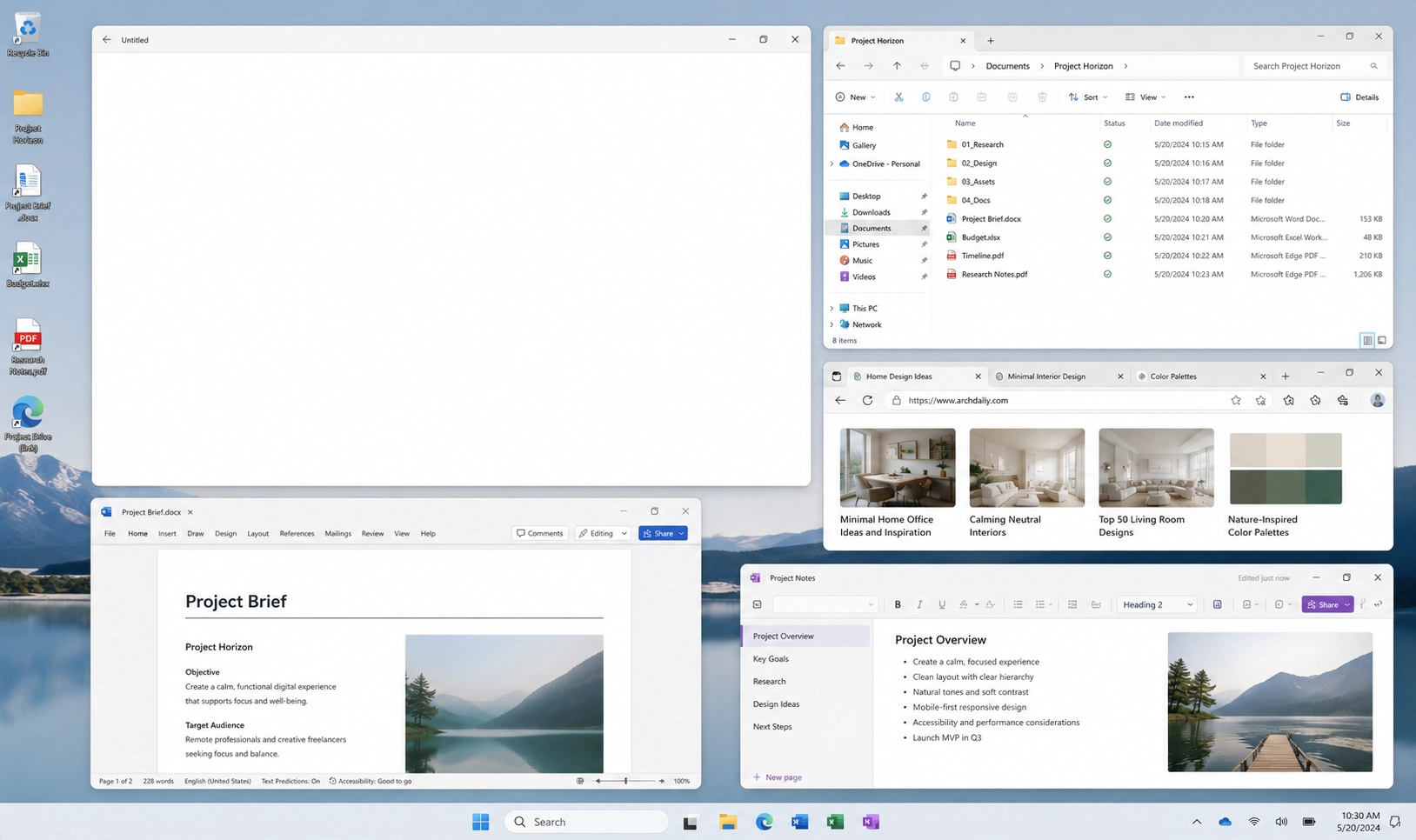
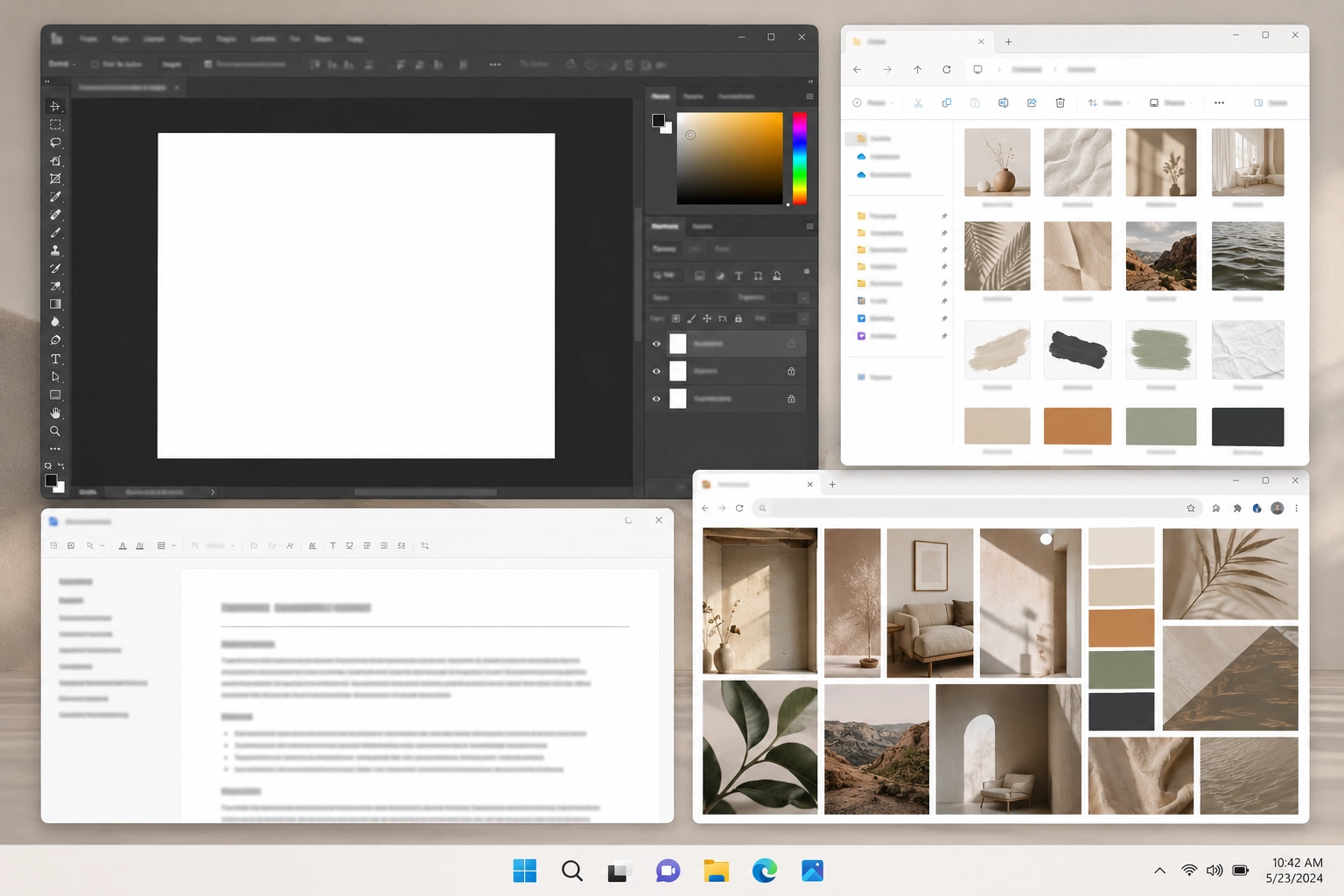
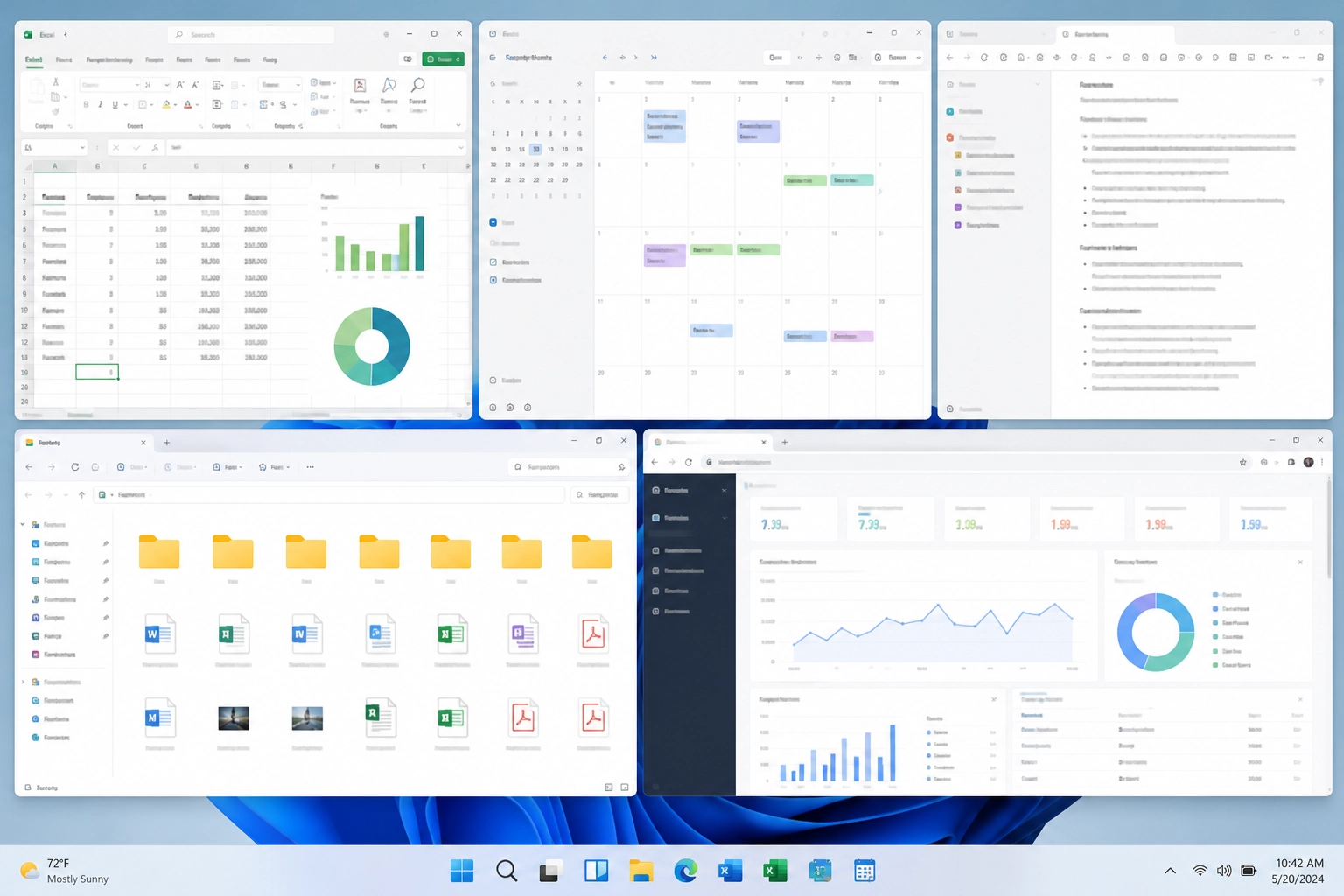
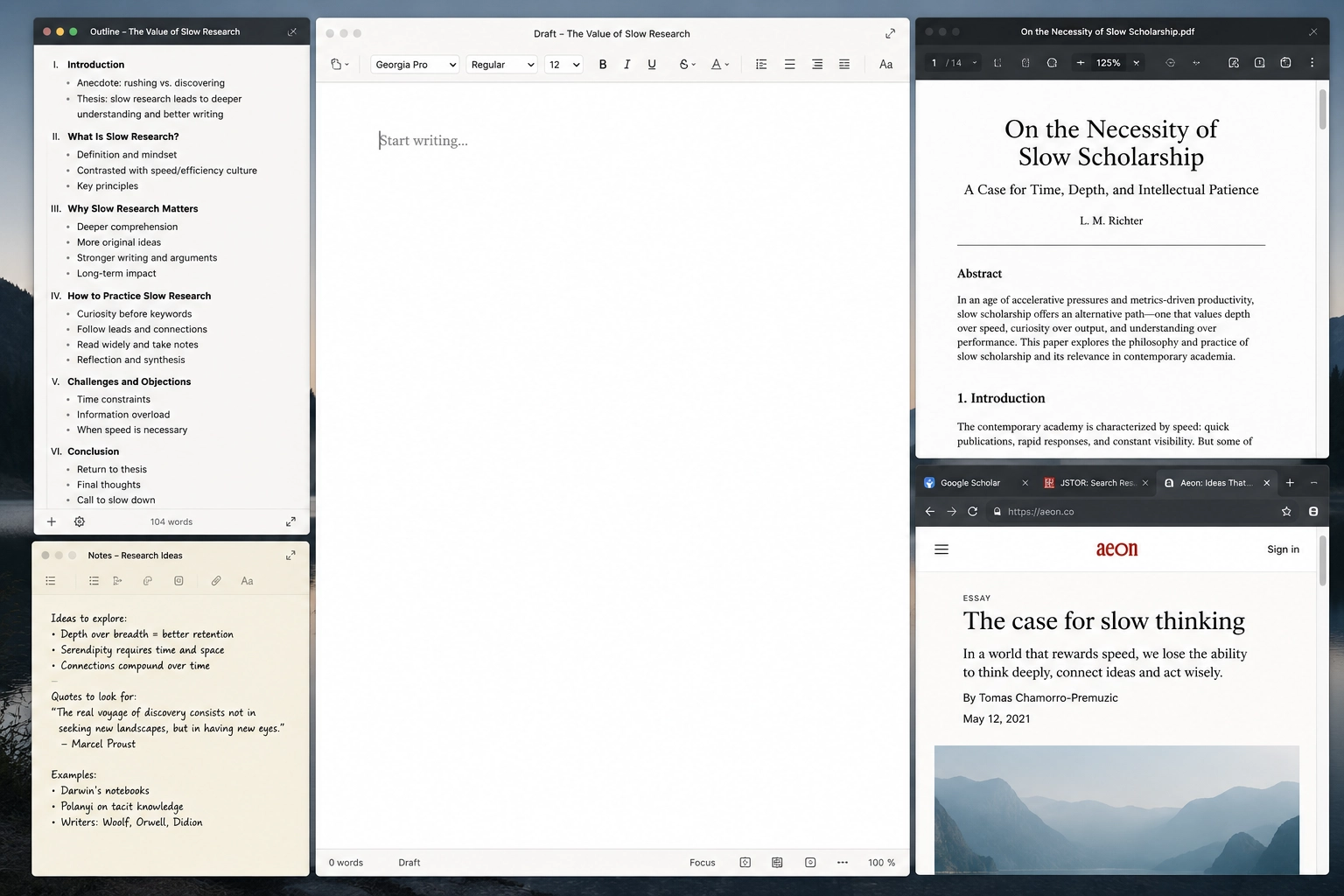
ZenFlow is being tested against real work — your work. We are testing it against everyday projects: client files, office tools, design assets, research notes, browser tabs, project folders, documents, dashboards, and the small repeated steps that make it harder to start your day.
Beta access
What beta access includes
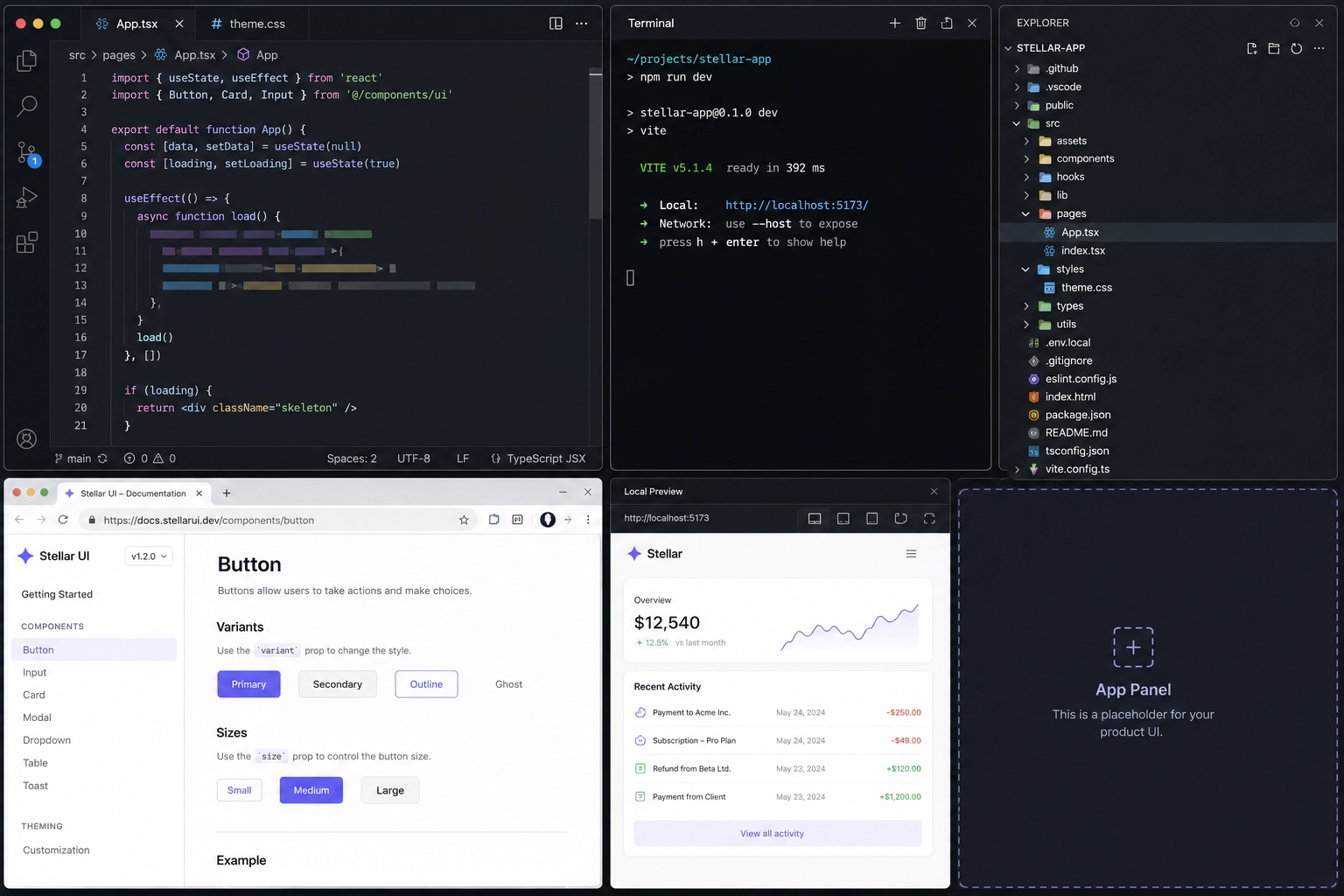
Beta testers get access to the full program: create saved workflows, open apps, folders, files, and links that belong to them, and stop what ZenFlow opened when the work is finished.
The goal is not to turn your computer into an automation system.
The goal is simpler than that:
- Keep related work together
- Stop rebuilding the same setup by hand
- Close a workflow without feeling like you are losing your place
- Make the first minute of work feel lighter
Learning
What we want to learn
ZenFlow is built around a feeling as much as a feature. A good workflow should feel like returning to a clear desk. The pieces are there. The context is familiar. The clutter is lower. You do not have to carry the whole setup in your mind.
- How easy it feels to create a workflow
- Whether opening a workflow feels natural
- Whether stopping a workflow feels safe
- Whether the product reduces mental clutter
- Whether the experience feels calm, focused, and worth returning to
Good fit
Who should try it first
ZenFlow is for people who return to the same kinds of work and want less clutter between tasks.
Creative professionals
For people moving between client projects, design tools, asset folders, references, notes, and project files.
Office workers
For people reopening the same documents, dashboards, spreadsheets, calendar, email, shared folders, and daily work tools.
Writers and researchers
For people returning to drafts, outlines, sources, reading lists, notes, and reference tabs.
Builders and technical users
For people opening editors, repo folders, docs, terminals, issue trackers, dashboards, and project tools.
Request Access
Create your beta account.
Submit the workflow you want to test with ZenFlow. You will confirm your email before the request is reviewed.