Creative client work
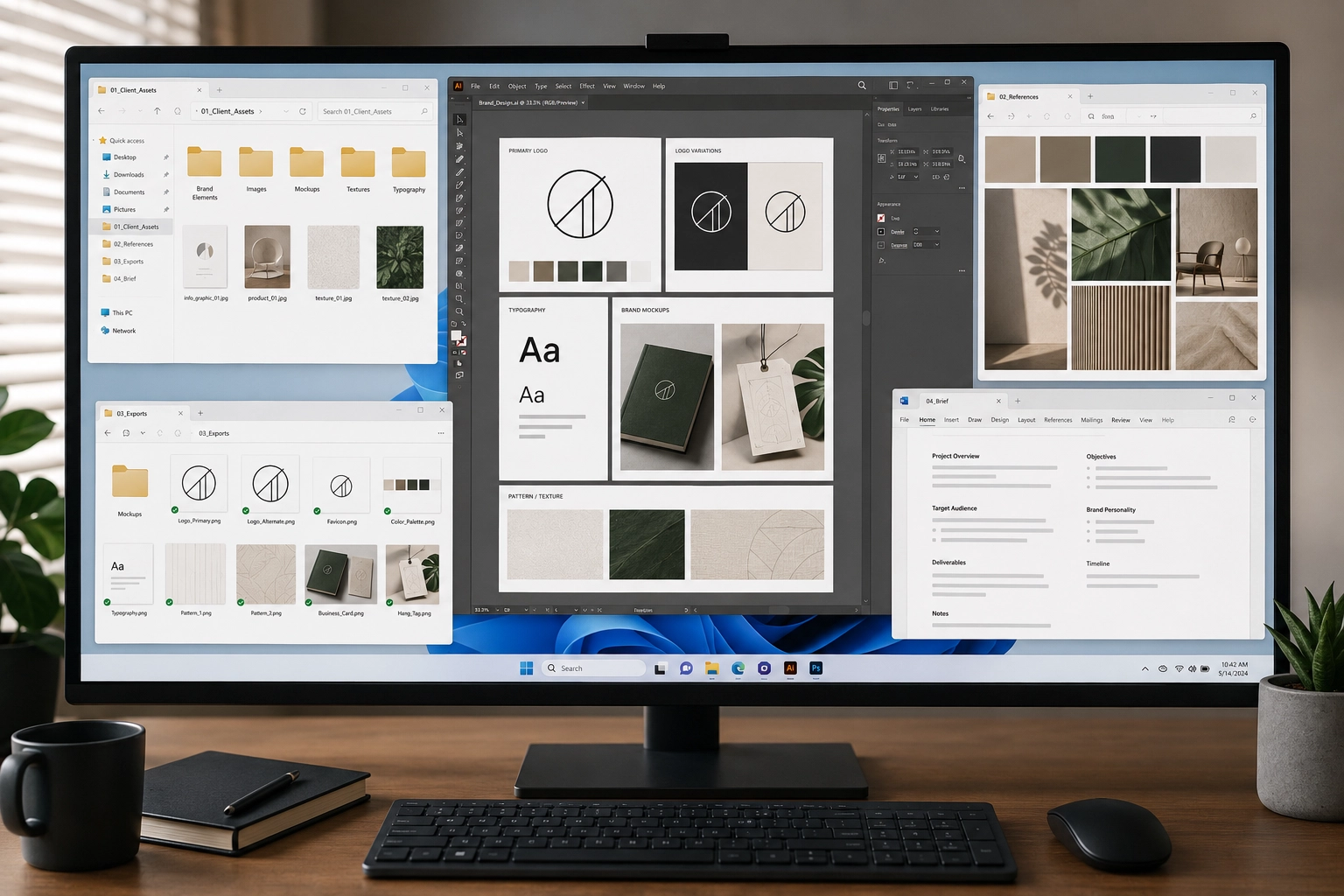
Graphic Design Workflow
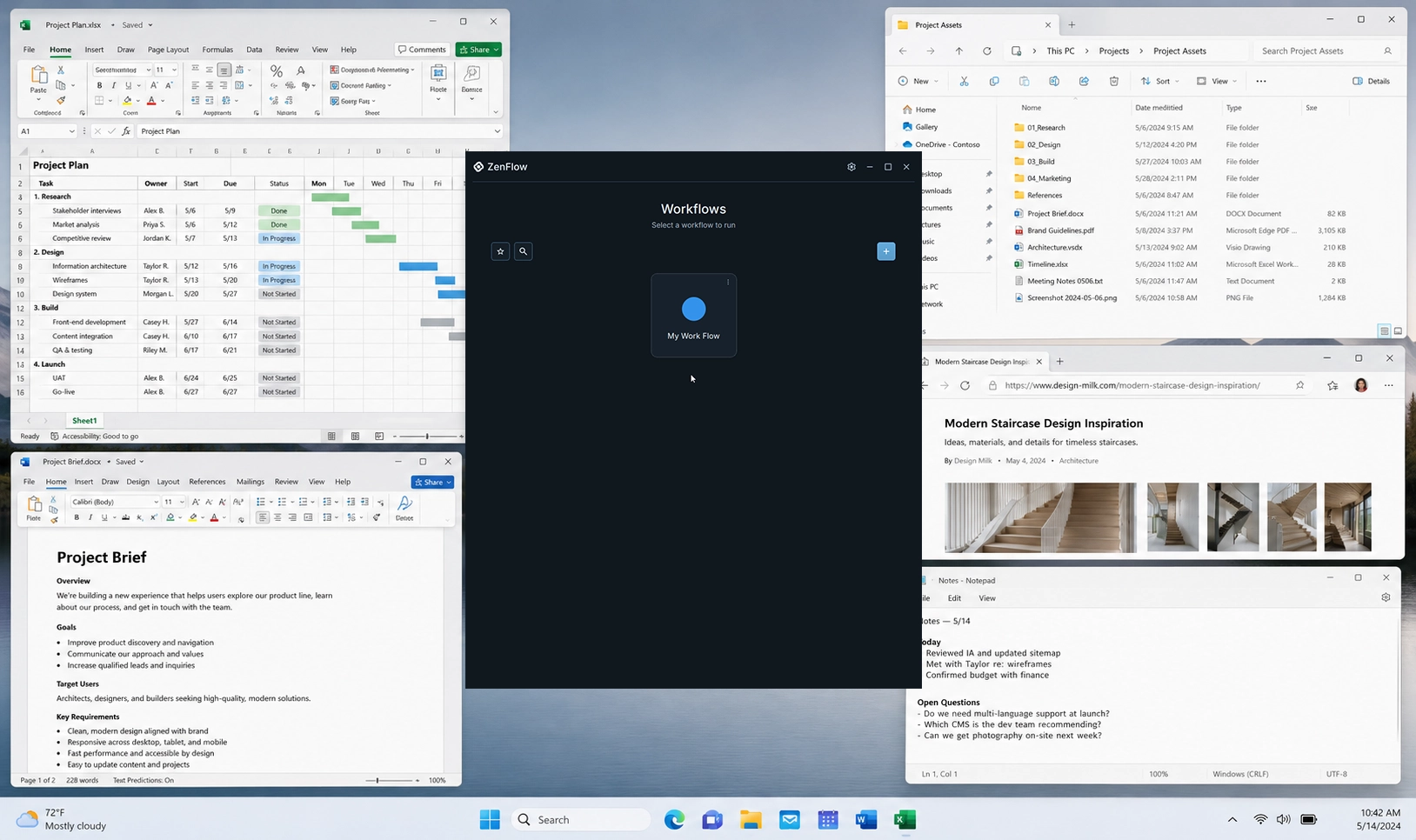
A calm client design workspace with the brief, assets, references, design tools, and export paths ready when the project begins.

Workflows
ZenFlow workflows are easiest to understand through real situations: a client design project, a team initiative, a draft, a research question, or a web build. The practical steps make more sense when they sit inside the work itself.
Guide library
Creative client work
A calm client design workspace with the brief, assets, references, design tools, and export paths ready when the project begins.
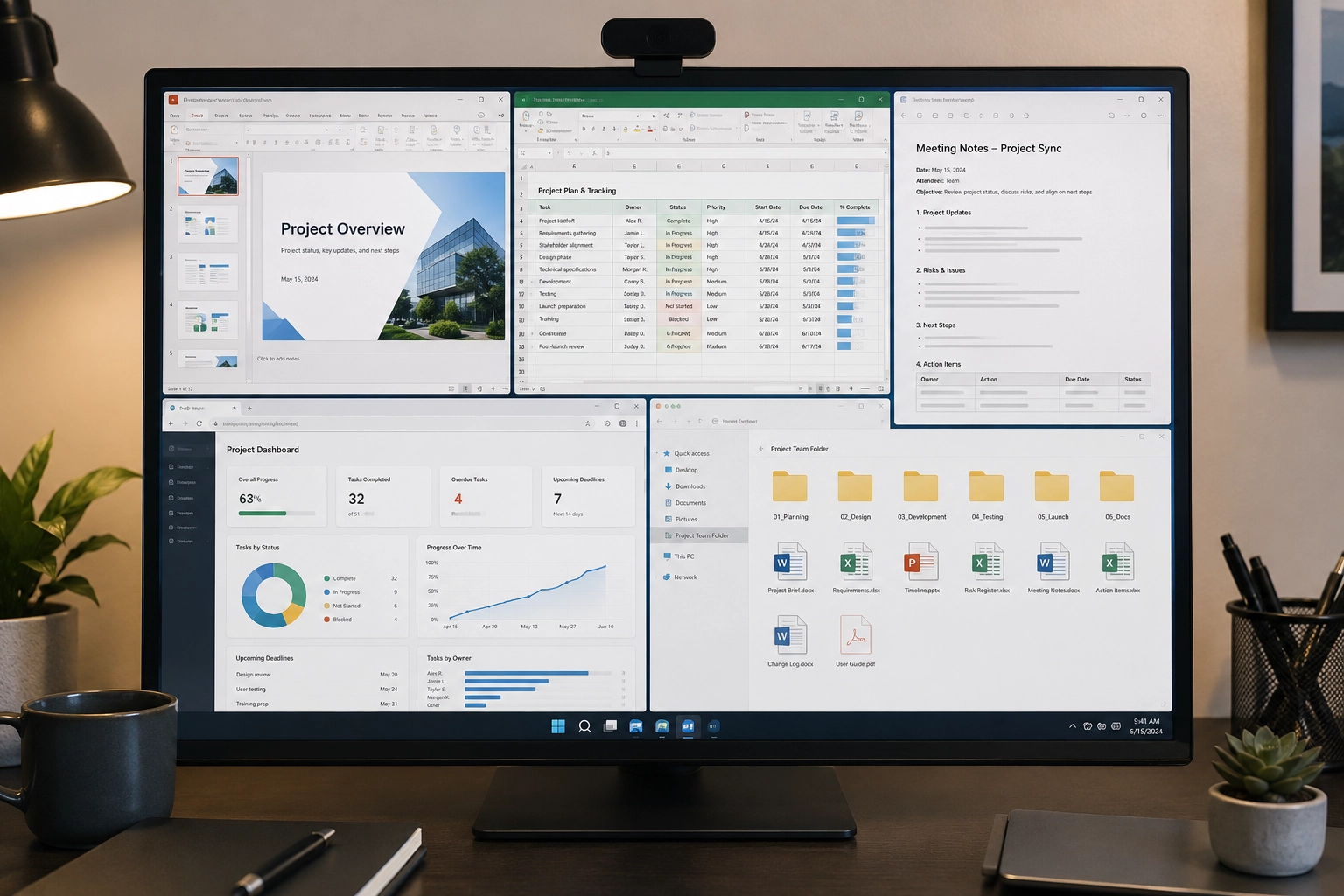
Shared work
A calmer team project workspace for the plans, decks, notes, dashboards, shared docs, and recurring links that define the work.
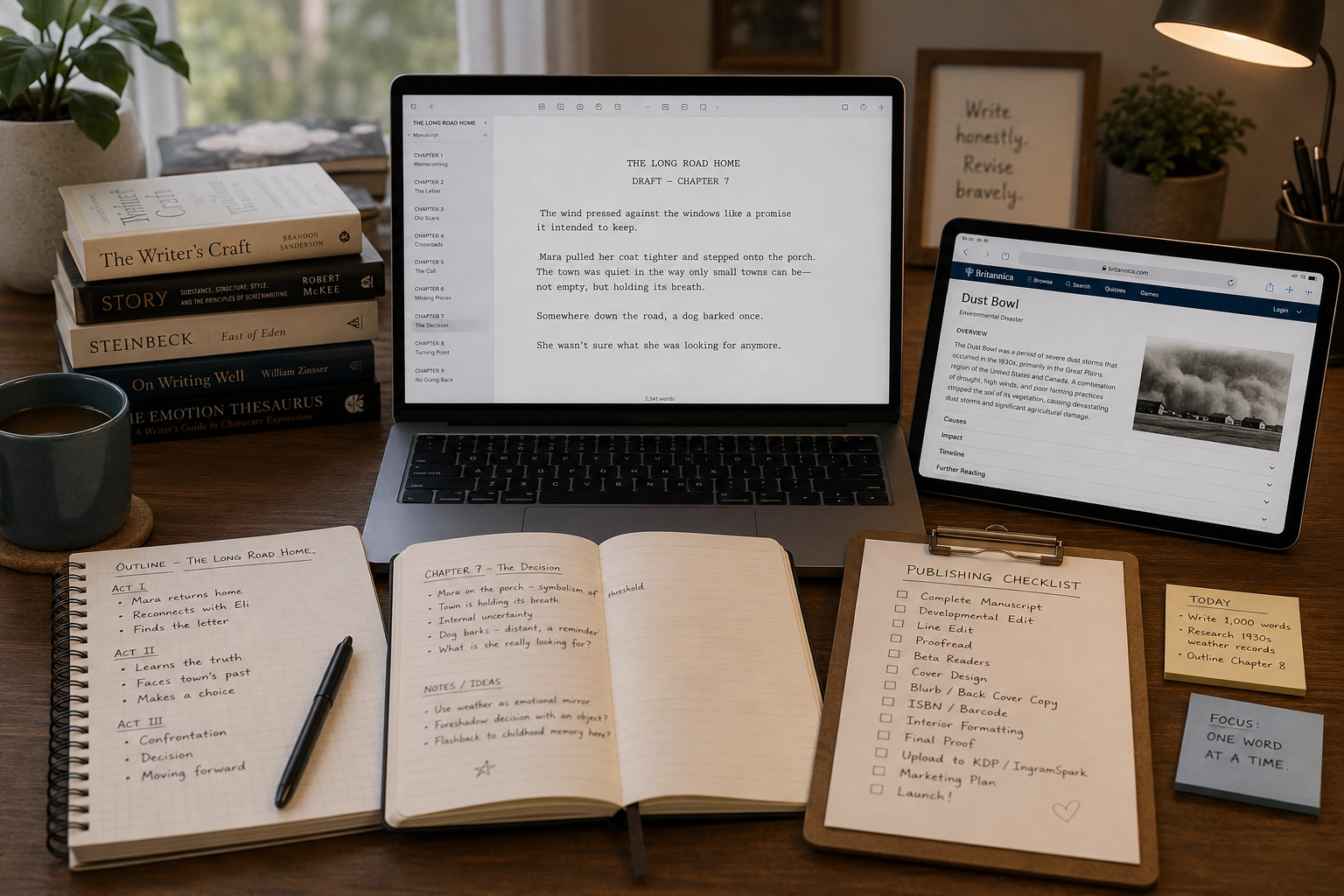
Drafting and publishing
A calm writing workspace with the draft, outline, notes, references, and publishing pieces ready when it is time to return to the page.
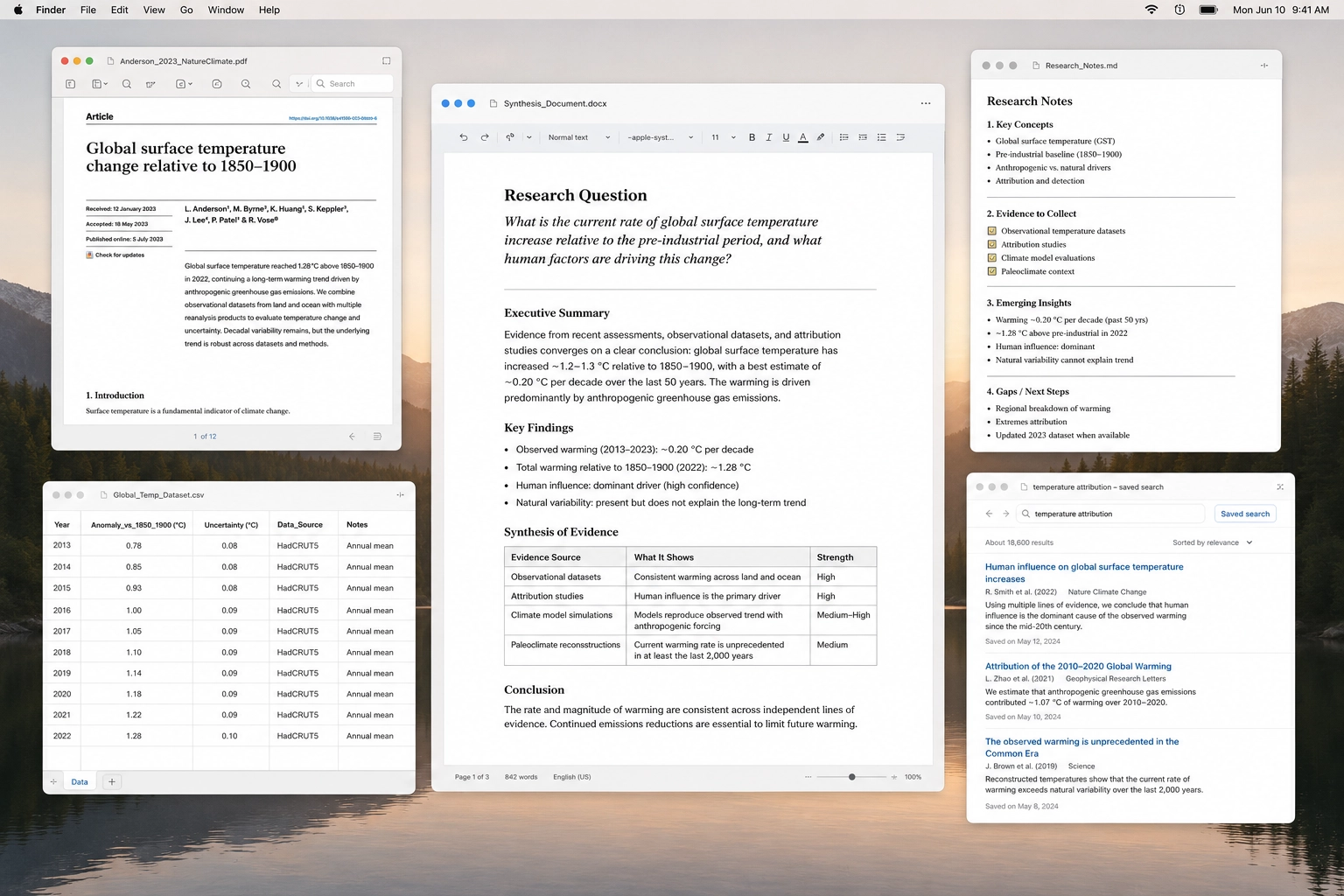
Learning and synthesis
A focused research workspace for the question, sources, notes, PDFs, searches, and synthesis document without letting the topic sprawl endlessly.
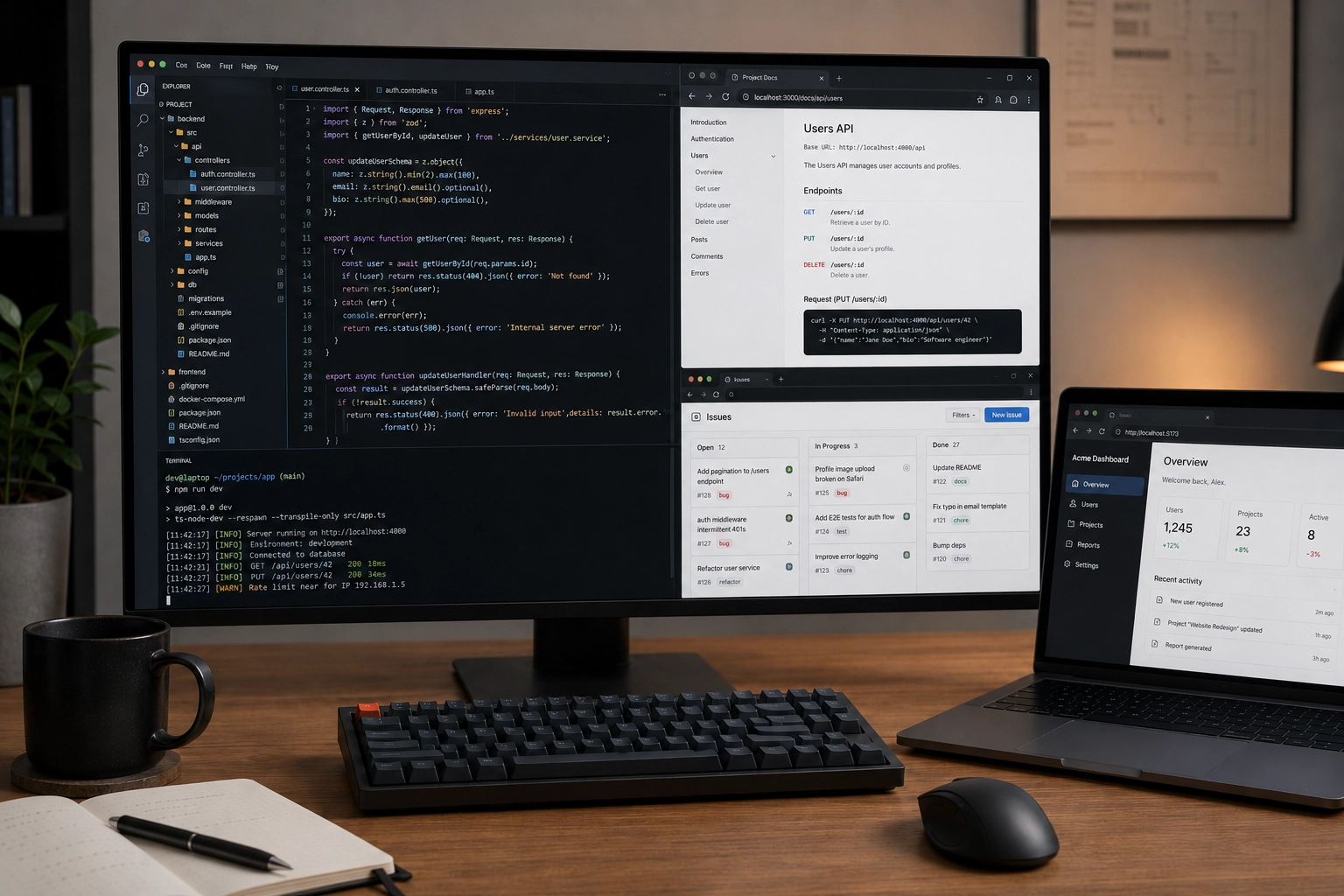
Build sessions
A focused development workspace for the editor, repo, project docs, issues, references, browser tabs, and deployment surfaces that belong to one build.
Content model
Each guide starts with a recognizable kind of work.
Feature instructions appear where they matter: inside the workflow, beside the reason you would use them.
The goal is not to learn ZenFlow in the abstract. The goal is to make one real workflow feel easier to return to.
Join Beta
Return to work with ZenFlow and feel the difference of a calmer workspace.